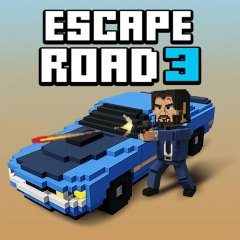
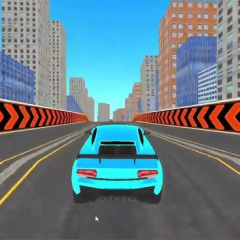
Escape Road 3 launches you into a thrilling escape filled with dramatic action! Take control of the character and help him make a safe getaway.

If you loved Escape Road or Escape Road 2, you will find this third installment to be truly fantastic:
Escape Road 3 retains the familiar foundation: you play as a criminal on the run from the police following a bank robbery, driving through a bustling city while evading pursuit.
This version introduces a host of exciting new features awaiting players to experience. Some of the most notable highlights include:
Exit and Switch Vehicles: The most obvious new addition is the ability for players to bail out of their vehicle when stuck and find another car to continue their escape. This adds a strategic layer, preventing an immediate game over simply because your vehicle is disabled.
Parachute Mechanism: If a severe collision causes your vehicle to explode, your character will deploy a parachute and land safely to take control of another vehicle. This extends gameplay sessions and reduces the frustration of instant failure seen in previous titles.
Run, Swim, and Jump: Beyond just driving, your character can now run on foot, swim, or parachute, expanding the gameplay to encompass a wider variety of escape scenarios.
Larger, More Dynamic Environments: In this latest version, players can explore a new, even more bustling city. The game now includes desert regions, adding terrain variety to the chases, a significant upgrade from the simple street-only environments of the past.
In Escape Road 3, the control system is designed with simplicity in mind, allowing players to easily execute all of the character's abilities.
When switching to a boat, plane, or glider, the left and right keys are still used for navigation, while the up key or spacebar helps gain altitude or clear obstacles.