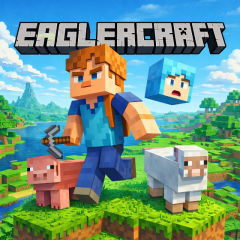
Eaglercraft offers an experience focused on gathering resources, crafting tools, exploring, and building. Get started and discover various paths of progression.
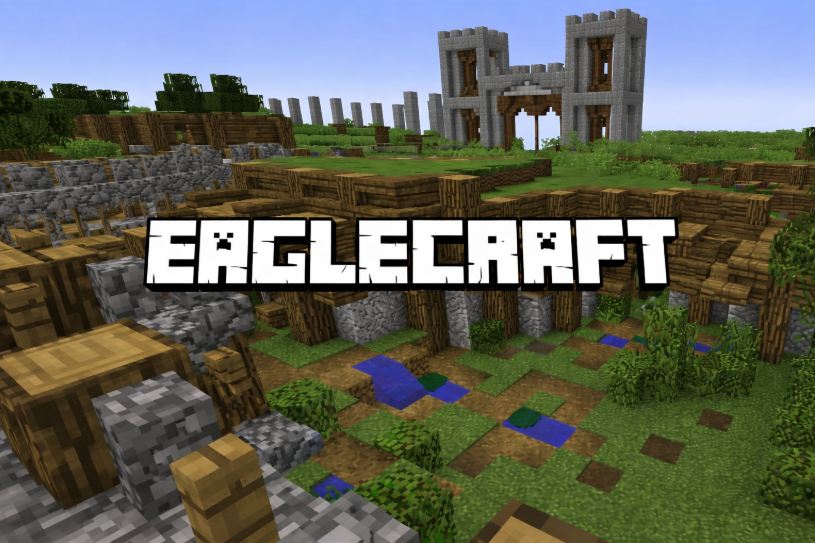
Eaglercraft is a Minecraft-inspired sandbox game that allows players to step into a blocky world and embark on a journey of exploration, resource gathering, crafting, and building—all directly within the browser. Eliminating the need for complex installations, the game offers a convenient way for anyone to experience the Minecraft style right on the web.
In Eaglercraft, every objective marks a new step forward, ranging from exploring the world and gathering resources to building and developing your surroundings.
Resources are a crucial part of the Eaglercraft journey. You can break blocks in the environment to collect materials and use them for a variety of purposes.
| Resource | Main Use |
|---|---|
| Wood | Used to craft basic tools, weapons, and building materials. |
| Stone | Provides stronger materials for tools, structures, and crafting. |
| Coal | Used as fuel and for smelting materials. |
| Iron | Used to create durable tools, weapons, and other useful items. |
| Diamond | A valuable resource for crafting high-quality tools and equipment. |
| Food | Helps restore hunger and supports survival during exploration. |
One of the most compelling aspects of sandbox games is the ability to transform simple materials into useful items and structures. Eaglercraft delivers this experience through its crafting and building systems.
You might start with a modest shelter before aiming for grander constructions. How you arrange materials, choose locations, and design each area is entirely up to your own vision.
There is no single way to design a world in Eaglercraft. One player might choose to build a simple house, while another spends their time creating castles, cities, or complex structures.
The real joy lies in the process of transforming basic material blocks into a space that reflects your personal touch. The more time you spend experimenting, the easier it will be to discover a building style that suits you.
The basic controls in Eaglercraft include:
Gather basic resources right from the start.
Find a favorable location before building a shelter.
Craft essential tools instead of just hoarding raw materials.
Avoid venturing too far without the necessary supplies.
Memorize your base's location so you can easily return after exploring.
Leverage building mechanics to create a space that serves both survival needs and your personal style.
If you enjoy the freedom to explore and interact with the world of Eaglercraft, you might also want to try Ragdoll Sandbox for another engaging sandbox experience featuring diverse ways to interact with the environment.