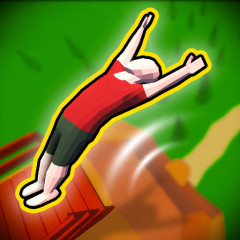
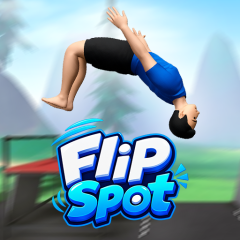
Flip Spot delivers a 3D acrobatic game that continues the style of previous flipping titles. Pull off perfect flips amidst a pine forest setting.

Unlike games that confine characters to fixed arenas such as Wacky Flip, Mr. Flip, or Ragdoll Flip, this game creates a unique outdoor training space where players are free to perform flips from a variety of platforms.
The setting of Flip Spot is impressive, featuring a spacious area nestled within a pine forest, with mountains and rolling grassy landscapes stretching into the distance.
The platforms are constructed from slender metal bars and large red boards, creating the impression that the character has built a personal space to indulge their passion for acrobatics.
Starting points vary in height; some platforms sit close to the ground, while others are elevated and connected to different sections by simple structures. This allows players to choose a suitable starting point for each jump to experiment with different types of flips.
Landing zone: The area between the two flag markers is the target for the character after each jump. Landing precisely within this zone results in a spectacular finish and helps the player better control the character's trajectory.
The acrobatic mechanics in Flip Spot retain the familiar techniques of the genre but are executed directly through a "hold and release" button system. To perform a complete flip, you can follow this sequence:
Before initiating the jump, select your acrobatic technique using the trick buttons located at the bottom of the screen. This step determines the type of move the character will perform upon leaving the platform.
Press and hold the mouse button or the Space key to have the character slowly crouch into a ready position. This phase acts as the wind-up before launching off the platform, as the timing of the button release directly affects the subsequent jump.
Once ready, release the mouse button or Space key. The character will launch off the platform and begin soaring through the air, performing a flip. The longer you hold the button, the more control you have over the number of rotations before transitioning to the landing phase.
After completing the desired number of rotations, release the button to have the character open up and prepare for landing. This is a crucial moment in the flip; opening up too early means the move might be incomplete, while holding it too long could result in an unbalanced landing.
After opening up, align the character so their feet land between the two flagged markers. This is the ideal landing zone designated for each jump. A successful flip depends not only on the number of rotations but also on the ability to position the character correctly upon completing the move.