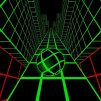
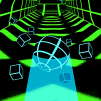
Plane Tunnel places you inside a massive tubular tunnel, viewed from behind the aircraft. You must navigate through openings to avoid obstacles.
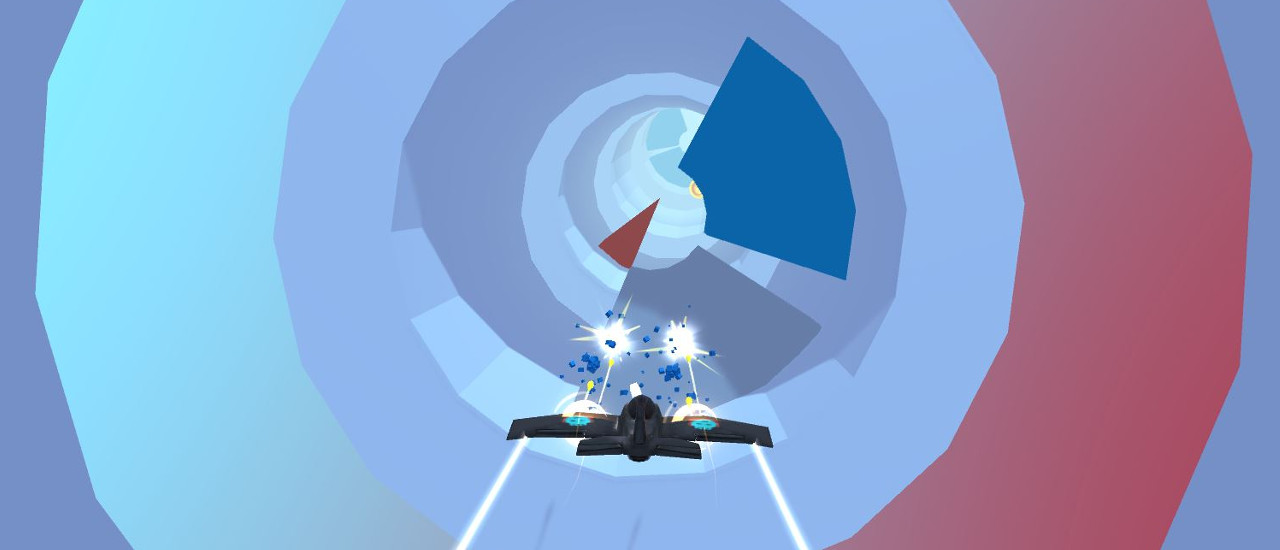
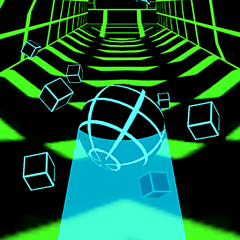
The defining feature of Plane Tunnel lies in its cylindrical flight path design. The entire space surrounding the aircraft is a multi-layered circular tunnel, allowing the direction of movement to change in any direction. This space is reminiscent of the game Vortex Ball.
The aircraft continuously moves forward inside a circular tunnel. The rear-mounted camera allows you to directly see the aircraft and the openings in front of you. The space to move through can be above, below, or to the sides, depending on the position of obstacles. This design makes controlling the aircraft feel like navigating through a giant tube rather than flying on a regular route.
Plane Tunnel offers two convenient control methods on a computer.
Method 1: You can use the left and right arrow keys to adjust the aircraft's maneuvering direction.
Method 2: If you prefer more direct control, you can also press and hold the mouse button on the aircraft and drag it in the desired direction. When you drag it left or right, the aircraft will maneuver in the corresponding direction, helping you quickly maneuver it away from approaching obstacles.
Mouse manipulation is especially useful when you need to make frequent changes of direction. However, do not drag too hard if the space in front is small, as the aircraft may maneuver too far from your desired position.