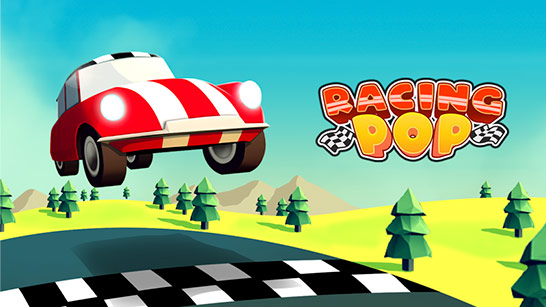
Racing Pop is a racing game where every corner demands precise control. Accelerate at the right time and decelerate at the right moment to set a record.
Initially, players can only participate in Speed Grounds, while many other tracks remain locked and waiting to be discovered. This motivates you to constantly improve your performance and upgrade your car.
Speed Grounds is the first track that every player will experience. This is where you get acquainted with the controls, learn how to accelerate properly, and handle corners.
Although considered the introductory level, Speed Grounds still features many consecutive corners, requiring players to balance speed and car control. Successfully completing races here will help you accumulate rewards to prepare for the next challenges.
After Speed Grounds, Racing Pop also introduces many new maps with completely different designs. However, these maps will only be unlocked when the player meets certain conditions. Some of the next maps include: Figure Eight, Quick Lane, Cross Country, East Timber, The Shrines, Rising Sun,... and many more maps waiting for you to unlock and start racing.
To access new tracks, you need to continue participating in races, earning bonuses, and upgrading your car in the garage. A car with better acceleration, braking, and traction will help you complete levels faster, thereby unlocking new game content.
Adding more maps also helps Racing Pop maintain its long-term appeal, as each track requires players to change their strategy instead of applying a single driving style.
In Racing Pop, cars are controlled by accelerating and releasing the throttle instead of using left/right steering keys like in Drag Racing City. Players need to control their speed appropriately to corner well and maintain the track.
Hold down the left mouse button or the Space key: The car accelerates and goes faster.
Release the mouse button/Space key: The car decelerates, helping with control when cornering.
Practice to feel the acceleration and deceleration mechanism of the car before starting a real race.
On straight sections of track, accelerate. Observe until the car is approaching a sharp corner, then release the mouse button to let it corner. The key to perfect cornering is knowing when to start decelerating. To develop this reflex, you need to observe, practice, and feel the car to gain experience.
Try racing through challenging tracks in Hill Sprint game.