Explore Ragdoll Sandbox by selecting your favorite worlds, getting familiar with the controls, and experimenting with fun ragdoll scenarios in each level.
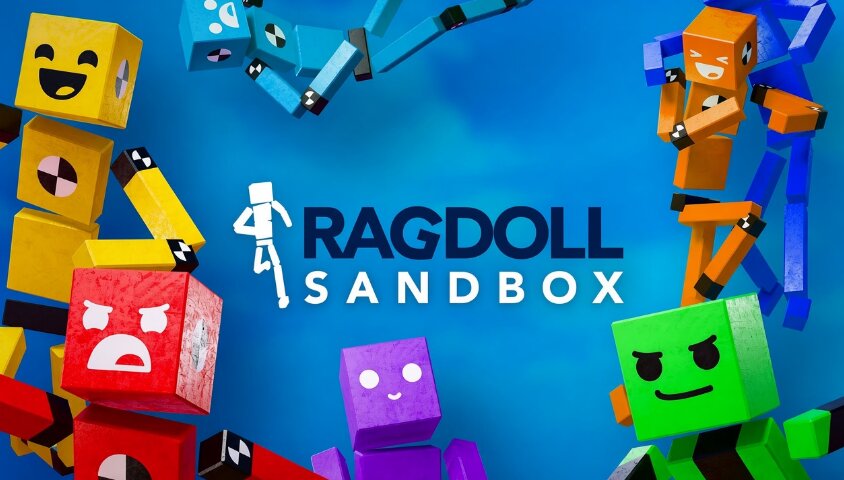
The Discover system makes it easy to access new worlds. Instead of following a fixed storyline, you can actively choose which levels to try. Key filters and tools include:
This organization makes finding new experiences convenient, especially when you want to switch to a different setting after a session.
Explore Ragdoll Sandbox by selecting your favorite worlds, getting familiar with the controls, and experimenting with fun ragdoll scenarios in each level.
To experience the game's diverse worlds, follow these steps:
Select the world you want to experience, then start the level.
Once you find a world you like, select "Play" if the level supports direct play. For worlds marked "Download," you must download the content before you can start playing.
Each world may have different mechanics and objectives, so observe the instructions or elements within the level to get acquainted.
Then, control your character to move around and explore.
| Key | Action |
|---|---|
| Tab | Open Build Mode |
| F | Open Item Menu |
| R | Enter Ragdoll Mode |
| E | Interact with objects |
| Space | Jump |