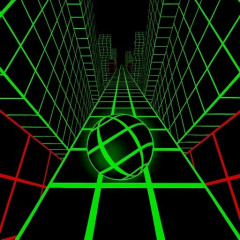
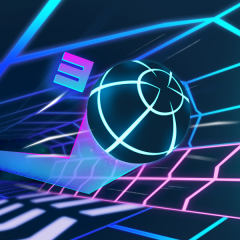
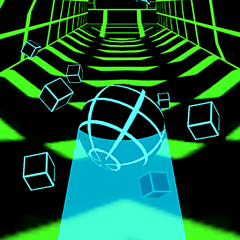
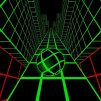
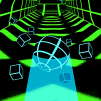
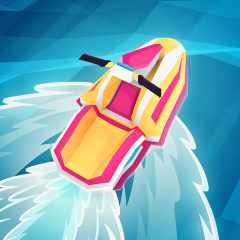
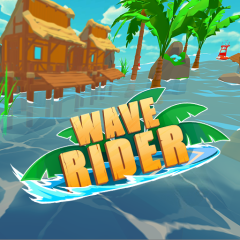
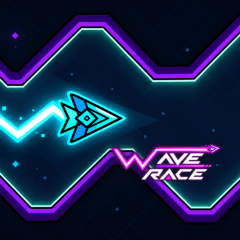
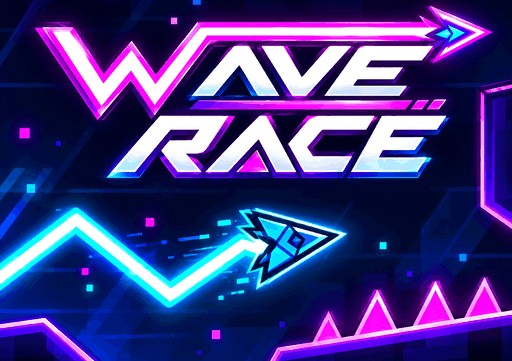
Wave Race offers a driving experience on a winding, undulating track that mimics the motion of waves. Pilot your craft to the finish line.
Beyond the core gameplay, the game features an extensive customization system, allowing you to alter your craft's appearance, colors, trail effects, and various Wave models.
An exciting feature is that many options can be unlocked by accumulating distance or using Gems. This ensures the gameplay isn't just about conquering the track; it also motivates players to expand their collection and create a unique style.
The Wave section offers a wide range of craft models to choose from, similar to Space Waves. These models are arranged in various slots, featuring designs that span from simple shapes to unique models with transforming bodies and wings.
Some models require a Spin to unlock, while others become available upon reaching specific distance milestones—such as 500m, 1000m, 1500m, or 2000m. This allows your Wave collection to grow naturally as you play and rack up achievements.
In addition to standard models, Wave Race includes a "Special Skins" area featuring unique designs. Marked with a star icon, these skins require 2000 Gems to unlock—perfect for players looking to own standout Wave models.
You can go beyond just changing the shape by customizing your Wave's color scheme using the Primary and Secondary categories.
The primary setting determines the wave's main color, while the secondary setting handles the accent color to create visual contrast. The color system offers a wide variety of choices, ranging from basic colors to those that require a spin or specific distance milestones to unlock.
Certain color slots are unlocked at milestones such as 500m, 1k, 1.5k, and 2k. The longer you play and the further you travel, the more options you unlock to customize your Wave with a unique style.
Wave Race features simple controls but requires players to maintain a steady movement rhythm. The craft constantly moves in a zigzag pattern; a single sharp turn can throw off its trajectory and cause a collision with obstacles.
| Situation | How to Handle It |
|---|---|
| Wide Track with Few Obstacles | Maintain a steady control rhythm without changing direction too quickly. Look ahead and hold or release the mouse at relatively even intervals to create a smooth zigzag trajectory. |
| Narrow Sections | Keep the movement range under tighter control. Avoid holding the mouse for too long, as Wave may move too far upward or downward. Use shorter holds and change direction earlier to stay near the center of the track. |
| Frequent Direction Changes | Look further ahead to anticipate the next turn instead of focusing only on Wave's current position. Release the mouse early when the path is about to switch direction rather than waiting until Wave reaches the edge. |